
What a request may ask for
- Email: the address you sign in with.
- Identity: phone, photo ID and liveness checks through Plaid.
- Connected accounts: social and optional bank connections are account-control signals.
You choose whether to respond. Open the original request to see who is asking and what accepting will share.
You’ll sign in before sharing verification. No app download is required.
Ready to respond?
Return to your original message and open its Chekkd link. The controls in that request will guide you.
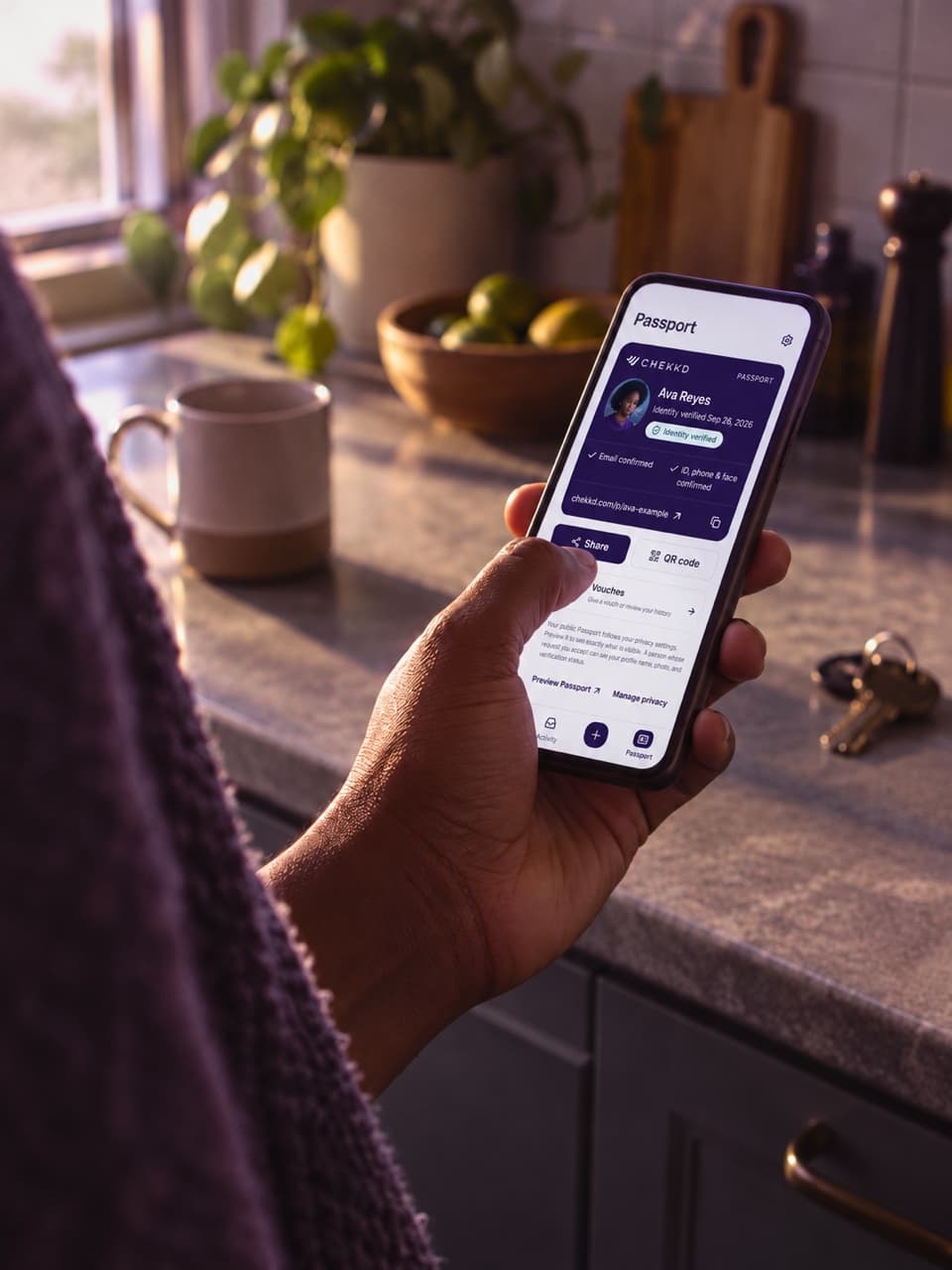
Always check the original request. You decide whether to share. A bank connection is not proof of identity, available funds or creditworthiness.
Read about security and privacyA request is a choice. A completed check is information you can review.
You can reuse an active, completed identity verification. The original date stays visible. If a required check is missing or no longer active, follow the guidance in the request.
You can decline. The sender sees the request status, but it does not become a public review. You don’t have to send a message here.
Check the destination carefully before signing in. Chekkd uses chekkd.com and app.chekkd.com. Don’t provide passwords, identity documents or payment details in your marketplace chat. If anything looks wrong, contact support before continuing.
Open the original Chekkd link in that conversation to review and respond. This guide doesn’t accept invitation codes or collect verification details.
Back to ChekkdChekkd is operated by Lets Handshake Inc. If a request is unclear, contact the team before sharing anything.
support@chekkd.comThe header’s “Get verified” and “Sign in” links open the live app.